What The Spec · TV Refresh Rate Explained
Why TV Refresh Rate Is More Than Just a Number: The Real Secret to Smooth, Sharp Motion
Refresh rate is one of the most misunderstood specs on a TV box, yet it has a huge impact on how sports, movies, and games actually look in your living room. In this What The Spec deep dive, we break down what refresh rate is, what “slow, medium, and best” really mean in hertz, and why it is often worth paying a little more for a TV that can keep up with today’s fast-paced content.
Think of refresh rate as the heartbeat of your TV’s motion. A higher rate does not magically fix a bad panel, but it does control how smooth and responsive your picture feels when the camera pans across a stadium, a car chase kicks off, or your character sprints through a game world at full speed.
At a glance: key refresh rate takeaways
If you are skimming before a store visit, start here. These quick points capture the core of what matters about TV refresh rate for real-world viewing.
What is TV refresh rate in plain language?
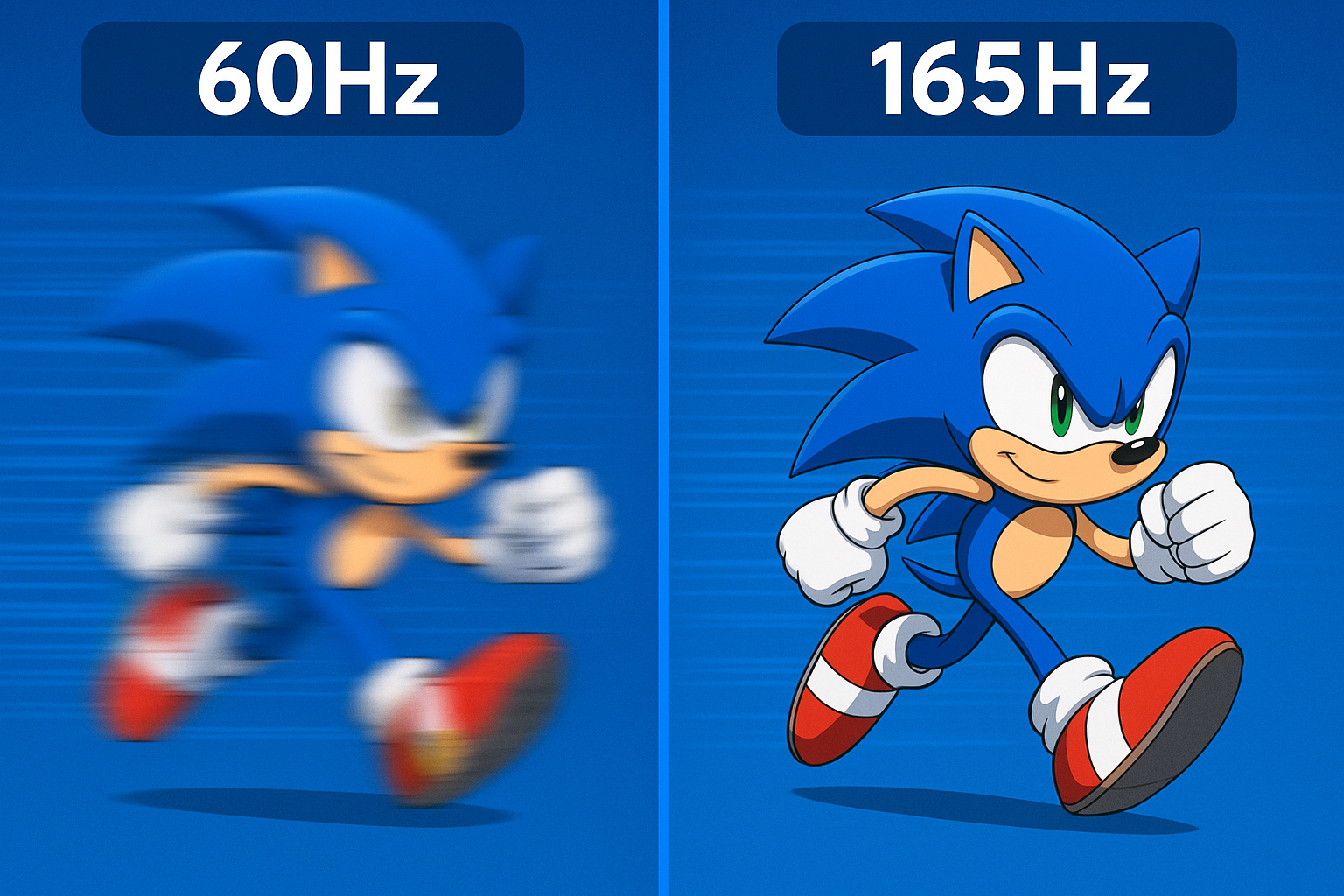
Refresh rate is the number of times per second your TV redraws the image on the screen. It is measured in hertz (Hz). A 60Hz TV refreshes the picture 60 times every second; a 120Hz set does it 120 times per second, and high-end panels can hit 144Hz, 165Hz, or even more in specialized gaming modes.
Every scene you watch—whether it is a movie, a live football game, or a video game—is really a rapid slideshow of individual frames. The refresh rate controls how smoothly those frames are displayed. With a low refresh rate, fast action can start to look smeared or choppy, especially on big screens. With a higher refresh rate, the motion feels more coherent and lifelike. Your eyes track the ball, the car, or the character more easily, and fine details stay sharper during movement.
It is important to separate refresh rate from resolution. You can have a 4K TV that looks crisp in still scenes but struggles when the camera pans quickly. Refresh rate is the motion side of the equation. It answers a different question: not “how detailed is the picture?” but “how smooth and stable does that picture feel when everything moves?”
Slow, medium, and best: 60Hz vs 120Hz vs 144–165Hz
Not every viewer needs a high-refresh gaming panel, but almost everyone benefits from matching refresh rate to how they actually use their TV. Here is how we break it down into slow, medium, and best for most people.
- Fine for sitcoms, news, and slower-paced streaming on 43–55 inch TVs.
- Sports and fast action can look slightly blurry, especially on larger screens.
- Okay for casual console gaming at 30–60 fps, but not ideal for next-gen 120 fps modes.
- Often found on budget TVs where other specs, like brightness and contrast, matter equally or more.
- Noticeably smoother motion for sports, action movies, and fast camera pans.
- Pairs well with PlayStation 5 and Xbox Series X for 120 fps gaming modes.
- Usually supports extra features like variable refresh rate (VRR) and low input lag.
- The best all-around choice if you can stretch your budget beyond basic 60Hz sets.
- Offers even smoother motion than 120Hz for supported PC and console titles.
- Excellent for fast-paced competitive gaming where quick response and clean motion matter.
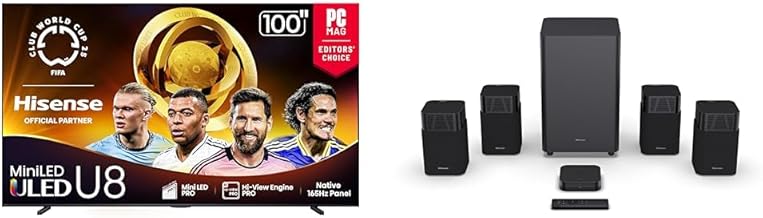
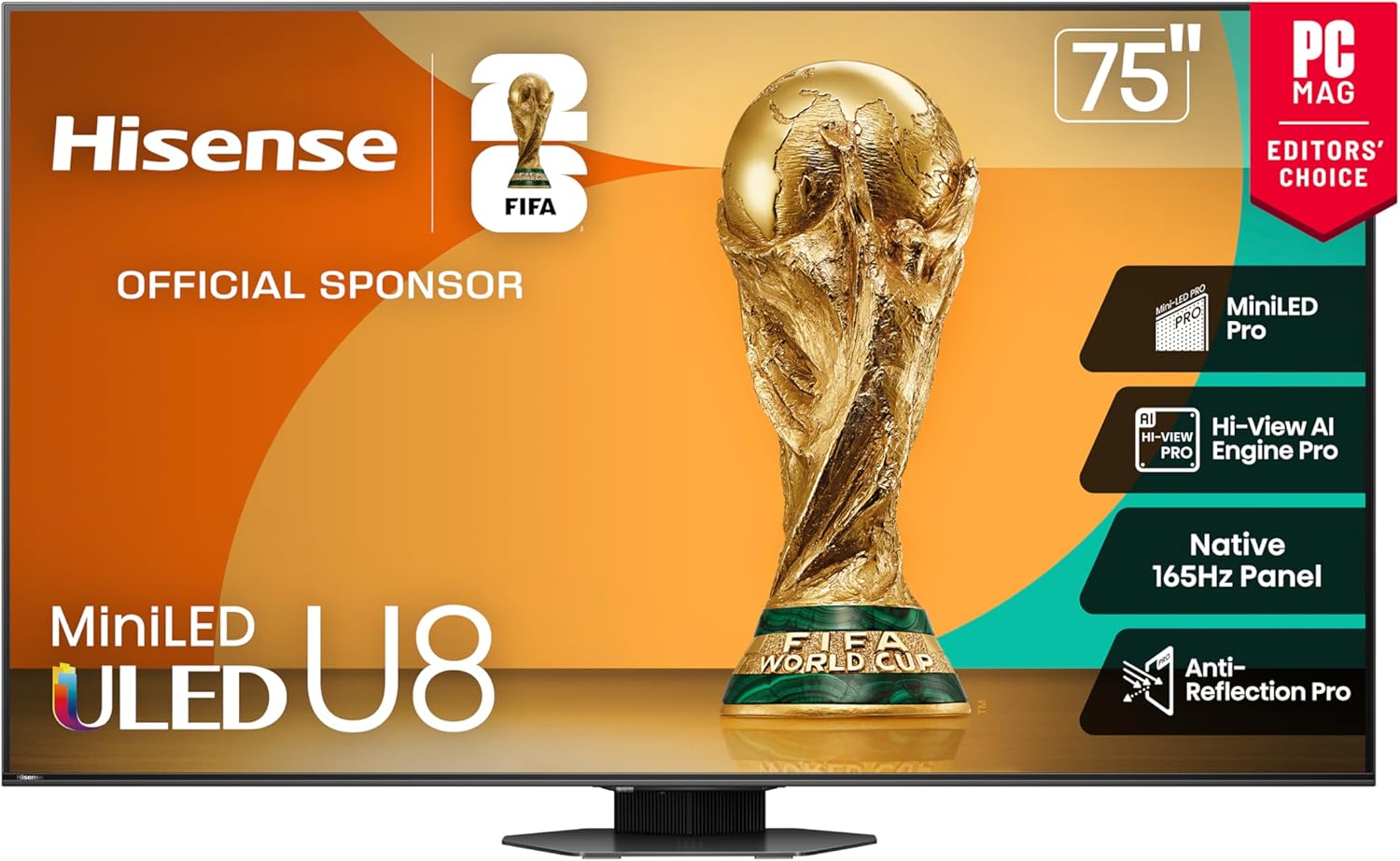
- Brands like Hisense now offer 144Hz and 165Hz models at prices that used to be reserved for basic 120Hz sets.
- Overkill for some people, but a smart long-term pick if you are building a gaming-first setup.
Deep dive: how refresh rate actually affects what you see
Refresh rate FAQs: should you pay more for it?
Do all viewers need more than 60Hz?
No. If you mostly watch slower-paced shows, documentaries, news, or YouTube content on a smaller TV, a good 60Hz panel can still look perfectly fine. Your money might be better spent on better contrast, brightness, or a soundbar instead of jumping to a higher refresh rate just for the sake of it.
However, as screens get bigger and you watch more fast action, the limitations of 60Hz become harder to ignore. If you are shopping 65 inches and up, or you care about sports and modern consoles, we strongly recommend at least a 120Hz model as a starting point.
When is 120Hz the smartest choice?
For most buyers, 120Hz is the “just right” option. It is fast enough to unlock smoother sports, cleaner movie motion, and modern console features like 120 fps modes and variable refresh rate without jumping into more specialized, gaming-only territory. A well-tuned 120Hz TV typically offers the best balance of performance, availability, and price for mixed-use living rooms.
Who should consider 144–165Hz TVs like those from Hisense?
High-refresh TVs in the 144–165Hz range are ideal for people who prioritize gaming—especially if you connect both a console and a gaming PC, or you play competitive titles where motion clarity and responsiveness matter. If you game more days than you do movie nights, these higher-refresh Hisense sets can be an excellent value.
They also add a layer of future-proofing. As more content and hardware support higher frame rates, having a TV that can keep up means you are less likely to feel the need to upgrade again in just a couple of years.
Is refresh rate more important than resolution?
Once you are at 4K on a reasonably sized screen, motion quality often matters more for day-to-day enjoyment than jumping to even higher resolution numbers. A 4K 120Hz TV with solid processing will usually feel better to live with than a 4K 60Hz model that blurs and smears every fast scene.
We like to say: resolution impresses on a showroom floor; refresh rate earns its keep on game day and movie night.
Bottom line: should you cut corners on refresh rate?
If you can afford it and your use case includes sports, action, or gaming, refresh rate is not the place to cut corners. A slightly bigger screen with a slow panel can actually feel worse than a slightly smaller one with a faster, cleaner motion profile. For most people, 120Hz should be treated as the goal; for gamers, high refresh options in the 144–165Hz range—especially from value-focused brands like Hisense—are increasingly worth the jump.
Think of refresh rate as part of how “effortless” your TV feels. When motion is smooth and stable, you stop noticing the screen and just enjoy the game, film, or match. That is the whole point of understanding what this spec really means.