OLED Displays: Deep Blacks, Stunning Contrast, and the Realities Behind the Glow
OLED technology delivers the most striking visuals in modern TVs—perfect blacks, near-instant response, and unparalleled contrast. But perfection comes with a few trade-offs. Here’s what makes OLED special, what shortens its lifespan, and how “burn-in” actually happens.
Interactive: See How OLED Burn-In Forms Over Time
OLED pixels emit their own light. That means each pixel wears down individually. If one part of the screen displays the same image for too long—a channel logo, a news ticker, a scoreboard—that section can age faster, leaving behind a faint “ghost” image. Adjust the slider below to simulate how that looks.
What Makes OLED Different
OLED—short for Organic Light-Emitting Diode—doesn’t rely on a backlight. Each pixel generates its own light, allowing it to turn off completely to create true black. This is why OLED TVs produce infinite contrast ratios, making shadows, colors, and details pop in ways traditional LED TVs can’t replicate.
Without a backlight, OLED panels are also thinner, lighter, and more flexible. They enable cutting-edge designs like ultra-slim wall mounts or rollable displays. The technology excels at displaying dark scenes and subtle lighting transitions—what film enthusiasts call “cinematic depth.”
The Beauty and the Burn
Every pixel in an OLED screen ages slightly each time it lights up. Bright static elements, such as logos or UI bars, can accumulate wear faster than other areas. The result, after thousands of hours, can be burn-in—a shadow or outline that lingers even when content changes.
Burn-in doesn’t happen overnight, and modern OLEDs use screen shift, pixel refresh, and logo luminance adjustment to minimize it. But it’s still a natural side effect of a self-emissive display.
OLED Lifespan: How Long It Really Lasts
Manufacturers rate OLED panels for roughly 30,000 to 100,000 hours of use before brightness degrades by 50%. At 5 hours per day, that’s well over a decade of typical viewing. The lifespan varies by model, usage habits, and how often bright static images appear on screen.
The blue sub-pixels in OLEDs wear out fastest, which is why manufacturers tweak pixel structures and brightness limits to extend life. Features like pixel refresh cycles (run automatically after power-off) help rebalance the panel over time.
Why OLEDs Aren’t as Bright as Mini-LEDs
OLED pixels are self-contained light sources, which limits the peak brightness each can safely output without accelerating wear. Most consumer OLED TVs hover between 600–1,000 nits of peak brightness, while premium Mini-LED sets can exceed 2,000 or even 3,000 nits.
In practice, OLED brightness is usually plenty for controlled lighting environments. But in very bright rooms, reflections can reduce perceived contrast. That’s why OLED shines best in living rooms or theaters where you can manage ambient light.
Benefits: Why Enthusiasts Still Choose OLED
- True Blacks: Each pixel turns off completely, producing unmatched depth and realism.
- Perfect Contrast: Adjacent pixels can be fully on or fully off, delivering pinpoint dynamic range.
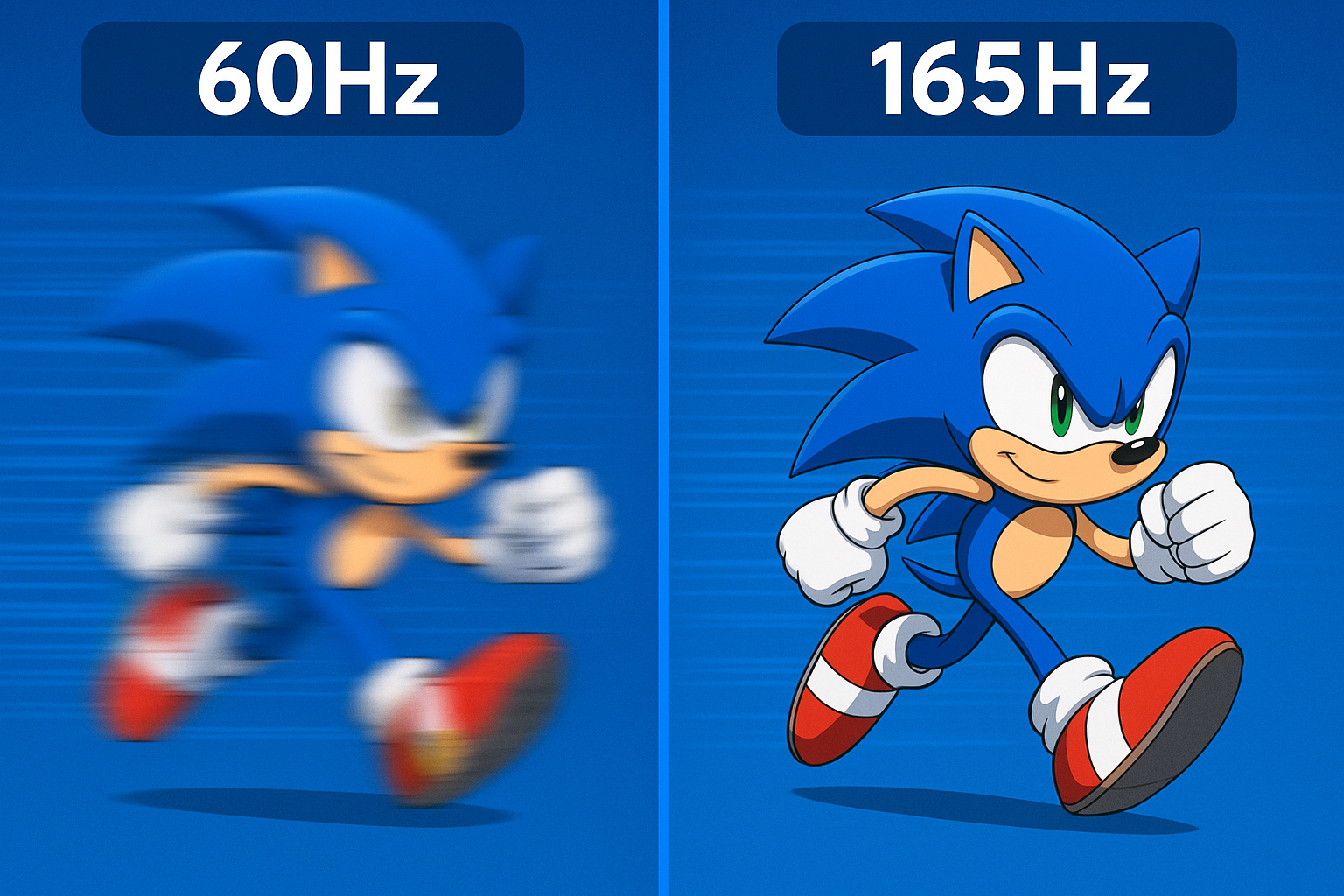
- Instant Response: Virtually zero motion blur—ideal for gaming and fast-paced scenes.
- Wide Viewing Angles: Colors and contrast remain consistent off-axis.
- Thin Design: No backlight layers means sleek, lightweight panels.
Drawbacks: What to Keep in Mind
- Potential Burn-in: Prolonged static images can leave faint residue.
- Lower Peak Brightness: Less suitable for sunny rooms or HDR scenes demanding intense highlights.
- Gradual Degradation: Blue sub-pixels fade fastest, slightly shifting color balance over time.
- Cost: Manufacturing OLED panels remains expensive compared to LED or QLED.
OLED vs QD-OLED vs LED: A Quick Comparison
QD-OLED (Quantum Dot OLED) blends OLED’s perfect blacks with quantum dots for improved color and higher brightness. Standard LED and Mini-LED sets can glow brighter and resist burn-in but lack the same pixel-level control. Choosing between them comes down to environment and priorities: OLED for cinematic perfection, Mini-LED for bright rooms.
Preventing Burn-In at Home
Most OLED TVs include preventive tools:
- Logo Luminance Adjustment: Detects static graphics and dims them slightly.
- Pixel Shift: Subtly moves the entire image a few pixels to distribute wear.
- Panel Refresh: Recalibrates pixel voltage after long sessions or automatically at shutdown.
You can also help by avoiding paused screens for long periods, reducing static HUD elements in games, and alternating content types. Used responsibly, most OLEDs stay burn-free for years.
Bottom Line
OLED delivers one of the most beautiful images available in consumer TVs—inky blacks, incredible contrast, and lifelike motion. While its lifespan and brightness don’t match today’s brightest Mini-LEDs, the visual quality continues to make OLED a favorite for movie lovers and gamers who value picture precision above all else.