What The Spec · HDMI Ports & eARC Explained
HDMI and eARC Demystified: Understanding Ports, Audio, and the Connections That Actually Matter
Not all HDMI ports are created equal. Between eARC, HDMI 2.1, and confusing labels like “Game” or “ARC,” it’s easy to overlook the most important connection on your TV. This Technichole guide breaks down what each HDMI port does, how eARC transforms sound quality, and how to make sure you’re getting the full potential from your console, soundbar, or streaming device.
The truth about HDMI ports and why one matters more than the rest
HDMI stands for High-Definition Multimedia Interface. It carries both video and audio through a single cable, making it the backbone of every modern home entertainment setup. But as TVs evolved, so did HDMI standards—and not all ports on your TV have the same abilities. Some handle higher resolutions or faster refresh rates, while others specialize in advanced sound formats.
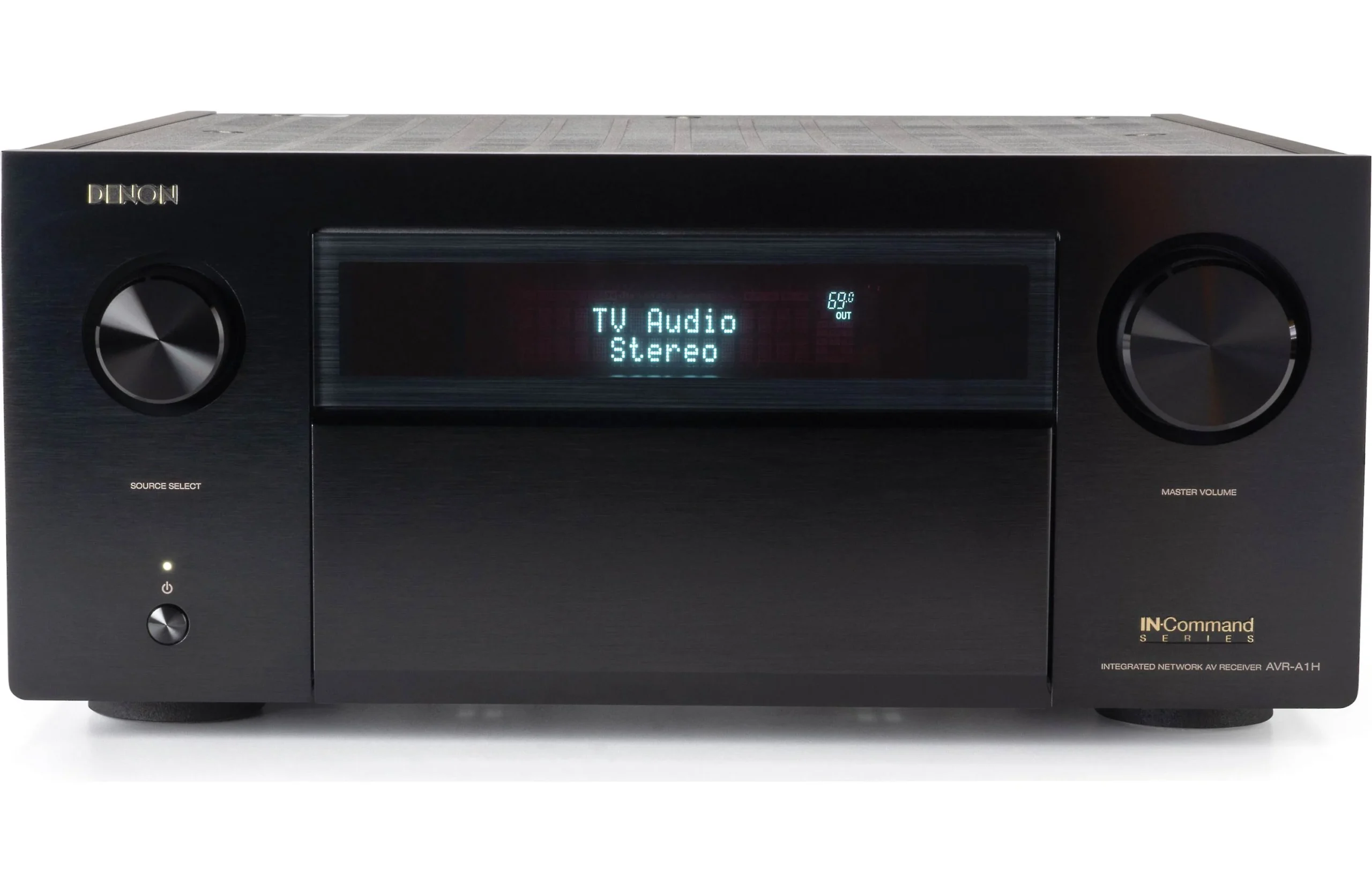
This is where eARC comes in. Short for Enhanced Audio Return Channel, eARC allows your TV to send uncompressed, high-bitrate audio (like Dolby Atmos and DTS:X) directly to a soundbar or AV receiver without losing quality. It’s a game-changer for anyone who wants cinematic sound without the complexity of multiple cables.
Understanding the different HDMI ports on your TV
Most modern TVs have multiple HDMI inputs, but each can vary slightly in function. Let’s break down the typical roles you’ll see labeled on your ports and how to use them effectively.
What makes eARC better than ARC?
eARC is an upgraded version of ARC that dramatically increases bandwidth and reliability. While standard ARC compresses advanced audio formats, eARC sends them losslessly. This means your Dolby Atmos soundbar or AV receiver gets the same high-quality signal that a Blu-ray player would output directly.
With eARC, you can connect all your devices (like consoles or streaming boxes) to your TV and still get full surround sound through one HDMI cable to your sound system. No switching inputs, no extra remotes, and no optical cables needed. It’s the cleanest, simplest way to build a true home theater experience.
Many new Hisense TVs include eARC as standard—especially in the U7, U8, and U9 series—letting you enjoy high-fidelity Dolby Atmos or DTS:X sound without investing in a high-end receiver.
HDMI comparison at a glance
| HDMI Type | Bandwidth | Supports | Best Use |
|---|---|---|---|
| HDMI 1.4 | 10.2 Gbps | 1080p / 4K30 | Older players, cable boxes |
| HDMI 2.0 | 18 Gbps | 4K60 HDR10 / Dolby Vision | Streaming, everyday use |
| HDMI 2.1 | 48 Gbps | 4K120, 8K60, VRR, ALLM, eARC | Gaming, high-end TVs |
Common HDMI and eARC questions
Do all HDMI cables support eARC?
Not all HDMI cables are created equal. For eARC, you’ll want at least a High-Speed HDMI cable with Ethernet, though we recommend an Ultra High-Speed HDMI cable for full compatibility with HDMI 2.1 features. The good news is that eARC is backward compatible, so older cables may still work—but upgrading ensures reliability.
Can I use HDMI ARC instead of eARC?
You can, but you’ll lose some audio fidelity. ARC can handle compressed formats like Dolby Digital and DTS, but it can’t transmit uncompressed Dolby TrueHD or DTS:X. If you want full Atmos performance, eARC is the way to go.
Should I plug my console directly into the TV or the soundbar?
Always plug gaming consoles directly into your TV’s HDMI 2.1 port, not the soundbar. This ensures the shortest signal path for 4K120, VRR, and low-latency modes. Then, let eARC send the audio back to your soundbar or receiver. It’s the optimal setup for both picture and sound.
Can I use eARC and other HDMI inputs at the same time?
Absolutely. eARC functions independently from your other HDMI inputs. You can have a console, streaming box, and Blu-ray player all connected while eARC continuously returns audio from whichever source you’re watching.
What makes Hisense TVs stand out for HDMI and eARC?
Hisense is one of the few brands offering multiple HDMI 2.1 ports and eARC on models under premium price tiers. Sets like the Hisense U7N and U8N include both 144Hz refresh rates and full HDMI 2.1 support, giving you next-gen gaming, smooth motion, and high-fidelity sound all in one affordable package.
Bottom line: simplify your setup and unlock better sound
eARC and HDMI 2.1 together represent the modern foundation of home entertainment. They simplify connections, enhance both video and audio quality, and eliminate the confusion of multiple cables or splitters. If your TV has an eARC port, use it as the main bridge between your screen and sound system—it’s the key to hearing what your picture deserves.
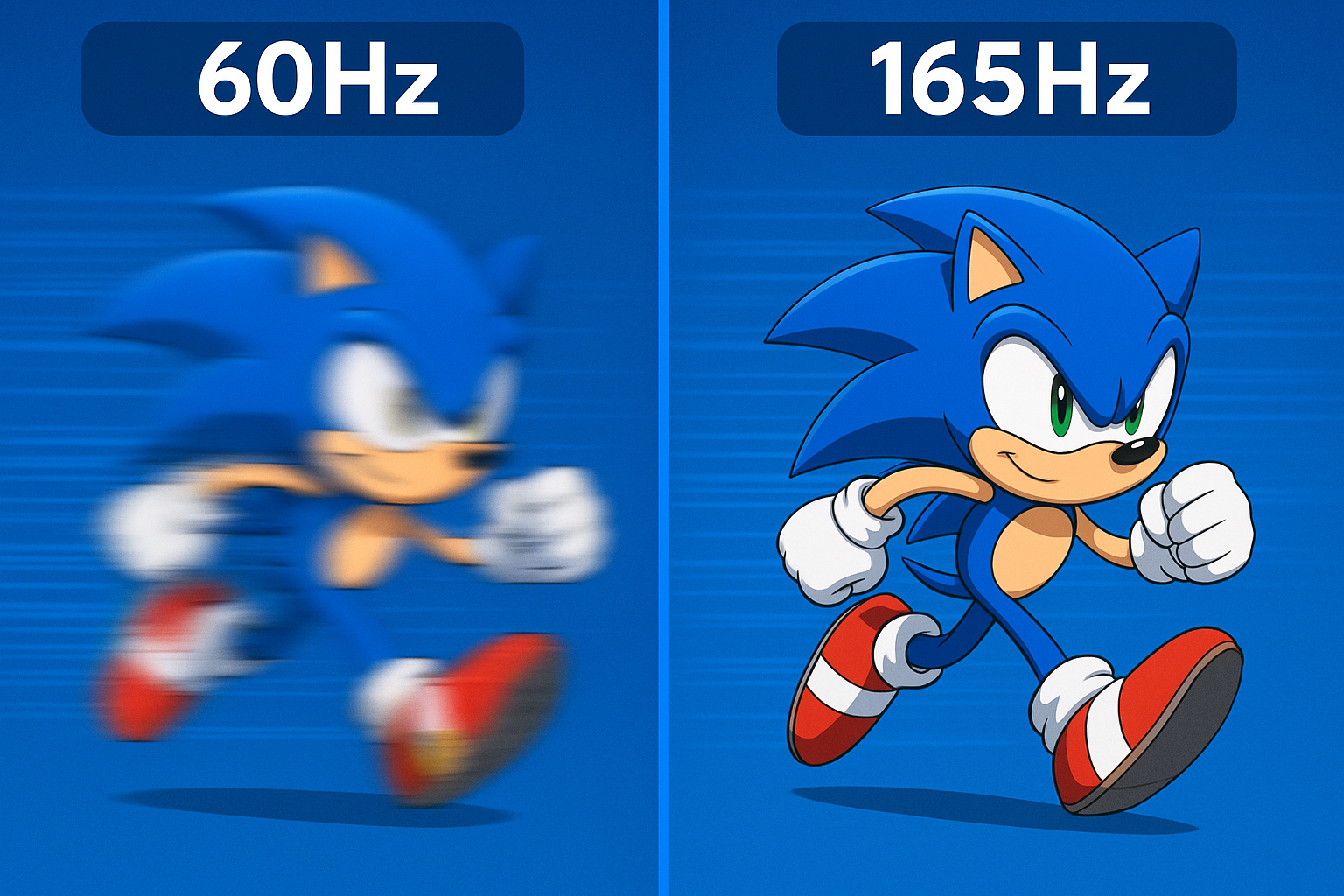
Combine that with a Hisense TV featuring 144Hz or 165Hz refresh rates, HDMI 2.1 bandwidth, and eARC, and you’ll have a future-ready setup that delivers the kind of smooth visuals and immersive audio once reserved for high-end theaters. The spec may sound technical, but once it’s set up right, it simply feels right.