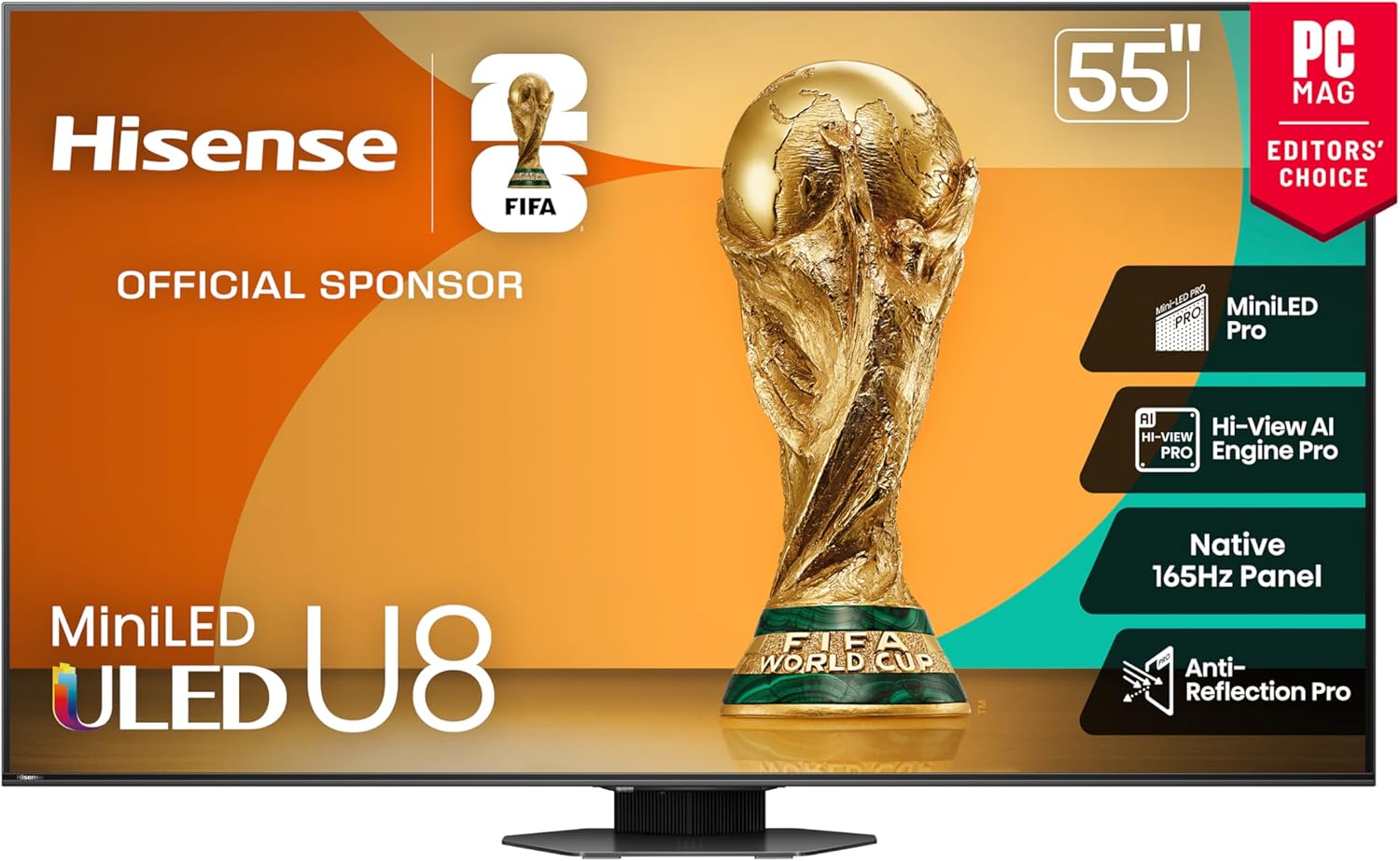
What The Spec · Hisense U8 Anti-Glare & Low-Reflection Screen
Why the Hisense U8’s Anti-Glare Screen Might Matter More Than Its 4K or Nits
Everyone talks about brightness and contrast, but if your TV turns into a mirror every afternoon, none of that matters. The Hisense U8 series adds serious anti-glare and low-reflection tech on top of its Mini-LED brightness, making it one of the most practical bright-room TVs you can buy. Here is what Hisense is doing with the U8’s screen, how it works, and why you should care if you have windows, lamps, or glossy floors anywhere near your TV.
On paper, the U8 series is all about peak brightness and Mini-LED contrast. In practice, what makes it usable in the real world is the screen finish: Hisense combines a bright panel with anti-glare and low-reflection tech so you are watching the content, not your own reflection or the window behind you.
What “anti-glare” actually means on the Hisense U8
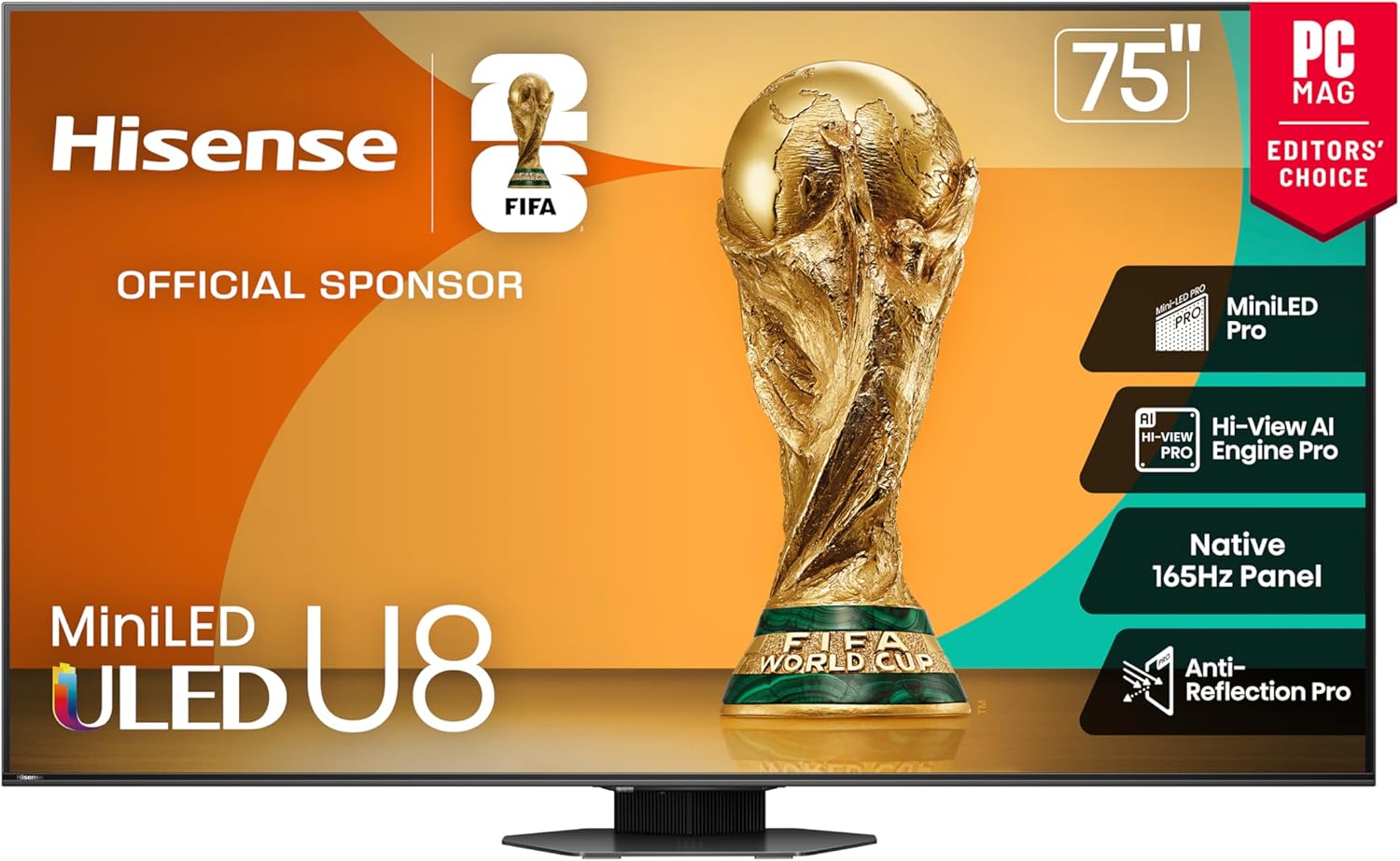
When Hisense describes the U8 family as having an anti-glare, low-reflection screen, it means the panel and its outer coating are designed to bend and diffuse incoming light instead of reflecting it straight back at you like a mirror. The screen finish is tuned to keep harsh reflections under control, even when the room is lit by overhead fixtures or daylight.
You will often see language like “Anti-Glare and Low Reflection” or “Anti-Reflection” in U8 marketing and spec sheets. In simple terms, this indicates an anti-reflective coating layered over the glass that reduces the intensity of reflections and spreads them out. The goal is not to eliminate light—that would be impossible—but to make reflections softer, dimmer, and easier to ignore while the TV’s brightness takes center stage.
If you have ever watched a dark scene and mostly seen a reflection of your coffee table instead of the show, you already know why this matters. Anti-glare alone will not fix a dim TV, and brightness alone will not fix a mirror-like screen. The Hisense U8 series works because it tackles both sides: very high brightness plus a thoughtfully engineered screen finish.
The different anti-glare approaches across Hisense U8 models
Hisense does not label “types” of anti-glare panels in big bold letters, but across U8 generations you see a consistent pattern in how the screen handles reflections. Here are the main ideas behind what Hisense is doing:
How the U8’s anti-glare screen helps in real rooms
Specs are one thing; how they feel at 3 p.m. with sunlight coming in is another. The reason the Hisense U8’s anti-glare panel matters is simple: most people do not watch TV in a perfectly controlled, dark home theater. They watch in living rooms with windows, apartments with blinds that never quite close, and open spaces where kitchen lights spill onto the screen.
A good anti-glare, low-reflection finish does three key things in these spaces:
- Reduces mirror-like reflections. Instead of seeing a crisp reflection of a lamp or window, you see a softened, blurred highlight that is easier for your eyes to ignore.
- Protects perceived contrast. Even if your TV has great native contrast, a bright reflection can flatten shadows and wash out dark scenes. Anti-glare keeps blacks closer to black and colors closer to how they should look.
- Helps with eye comfort. Constantly competing with bright reflections makes your eyes work harder. A screen that tames glare reduces strain over long viewing sessions—especially for news, sports, or gaming marathons.
On a U8, this matters even more because the set is bright enough to take advantage of the coating. You are not just softening reflections; you are overpowering them with a strong, controlled image that still looks punchy.
Who should care about the Hisense U8’s anti-glare screen (and who might not)
Anti-glare technology adds real value—but the amount of value depends on how and where you watch. Here is a quick guide to whether this feature should be near the top of your priority list:
- Daytime sports watchers. If your ideal Sunday is football with sunlight pouring into the room, anti-glare plus the U8’s brightness means you can actually see the field, not a reflection of your windows. Dark jerseys, bright turf, and fast motion all stay visible without drawing curtains every game.
- Open-concept living rooms. In a space where the kitchen, dining, and living areas all share light fixtures, a reflective screen becomes a problem fast. The U8’s low-reflection finish helps keep hanging lights, recessed cans, and under-cabinet lighting from dominating the picture.
- Apartments with big windows. If your TV wall faces a glass door or a large window, anti-glare is the difference between “usable all day” and “usable after sunset.” The U8’s finish makes it far easier to enjoy content with the shades open.
- Shared spaces and family rooms. Kids moving around, people walking through, lamps switched on and off—these all create moving reflections on a glossy panel. A good low-reflection screen reduces those distractions so everyone can actually follow what is happening on screen.
- Serious gamers. If you play in a bright room, glare makes it harder to track enemies, HUD elements, or fast motion. The U8’s combination of high refresh (on many models), HDMI 2.1 features, and low-reflection finish makes it easier to see everything without blacking out the room.
Who might not need to obsess over anti-glare? If you have a dedicated, light-controlled theater where you watch almost exclusively at night, reflection handling becomes less critical. You still benefit from a quality screen finish, but your money and attention might be better spent on contrast, calibration, or a more advanced sound setup.
Anti-glare Hisense U8 FAQs
Is the Hisense U8 completely glare-free?
No TV is truly glare-proof. The U8’s anti-glare / low-reflection screen significantly reduces reflections and softens them, but strong direct light—like sunlight hitting the screen at the wrong angle—can still be visible. The difference is that the U8 makes those reflections less bright and less defined, so they are easier to ignore while you watch. Combined with the set’s high brightness, that is often enough to make even bright rooms very comfortable to watch in.
How does the U8 compare to other bright-room TVs for reflections?
Among bright-room-focused TVs, the U8 stands out because it mixes strong reflection control with very high peak brightness and local dimming. Many competing sets do one or the other well; the U8 does both at a price that is relatively approachable compared to flagship models from bigger brands.
Does the anti-glare coating make the picture look dull or washed out?
Older matte coatings could make images look hazy, but the U8’s semi-gloss, low-reflection approach is designed to balance reflection control with vivid color and strong contrast. You still get punchy HDR, deep blacks, and rich color; the anti-glare layer is there to deal with inbound light, not to flatten the image.
Is anti-glare as important as brightness for a bright-room TV?
You really need both. High brightness without anti-glare just gives you a very bright mirror; anti-glare without enough brightness can leave the image looking dull when the room is lit. The Hisense U8 works so well in bright rooms because it combines high peak brightness with a low-reflection finish that keeps the image readable and high-contrast at the same time.
If my room is moderately bright, is the U8’s anti-glare overkill?
Probably not. Even in “normal” living rooms, reflections from lamps, windows, and open doorways are common. A TV that handles them gracefully simply feels better to live with. You may not think much about glare now, but once you upgrade to a low-reflection, high-brightness set like the U8, it is hard to go back to a screen that constantly competes with your room.
Bottom line: why should anyone care about the Hisense U8’s anti-glare panel?
Because it determines whether your impressive specs—4K, Mini-LED, high refresh rate, Dolby Vision—actually show up on screen in your real environment. Anti-glare is not a flashy number on the box, but it is one of the biggest reasons the Hisense U8 feels like a “bright room upgrade.” If your TV shares space with windows, lights, or a busy household, this feature is one of the quiet heroes that keeps your content front and center instead of your living room reflected back at you.